TalkProp
A teleprompter you actually want to read from.
Or pick it up in a bundle with over twenty other apps. Also available on Setapp.
What it does
Set a comfortable speed
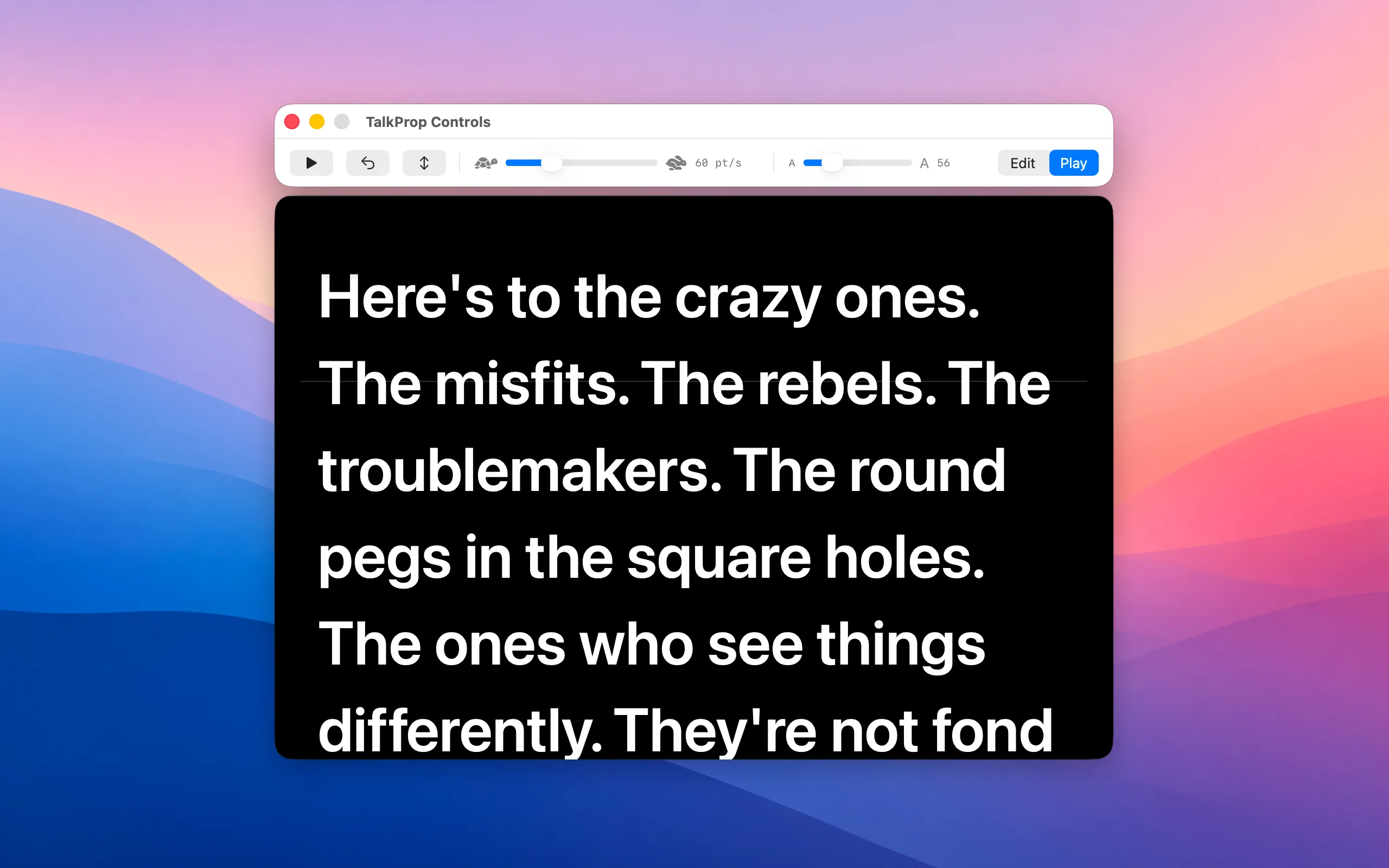
The rate slider goes very slow to moderate — no hidden gears past the edge of the bar. Hit play; words roll at your pace.
Scrub anywhere with your fingers
Two-finger scroll on the rolling page to push the script up or pull it back. Lift off and it resumes at your set speed — like a jog wheel for your script.
Vertical or one-line ticker
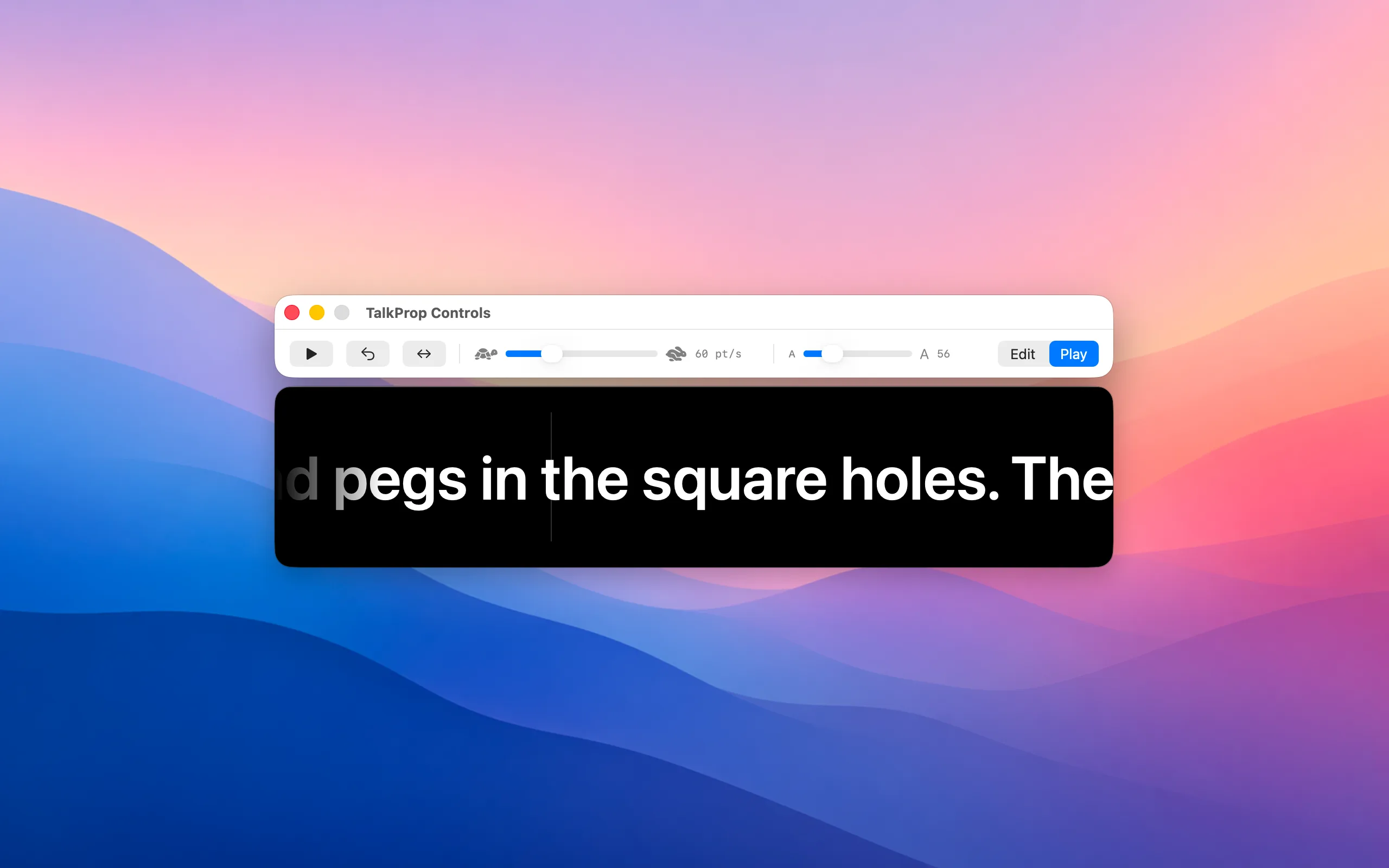
One click flips between a multi-line scroll and a horizontal one-line ticker that auto-shrinks to fit the text height. Restores the previous size when you flip back.
- Two windows that move as one. Controls live in their own small window, anchored just above the prompter. Drag the controls and the prompter follows. Resize the prompter and the controls stay locked to the top edge.
- The prompter window is just text. No title bar, no traffic lights, no chrome — pure black with rolling text. Your eye has nothing to land on except the script.
- Real-time text resizing. Drag the size slider and the rolling text resizes live as you drag. No awkward jumps after release.
- Honors your scrolling preference. Whether you have macOS Natural Scrolling on or off, the scrub feels like the script is being moved by your fingers directly.
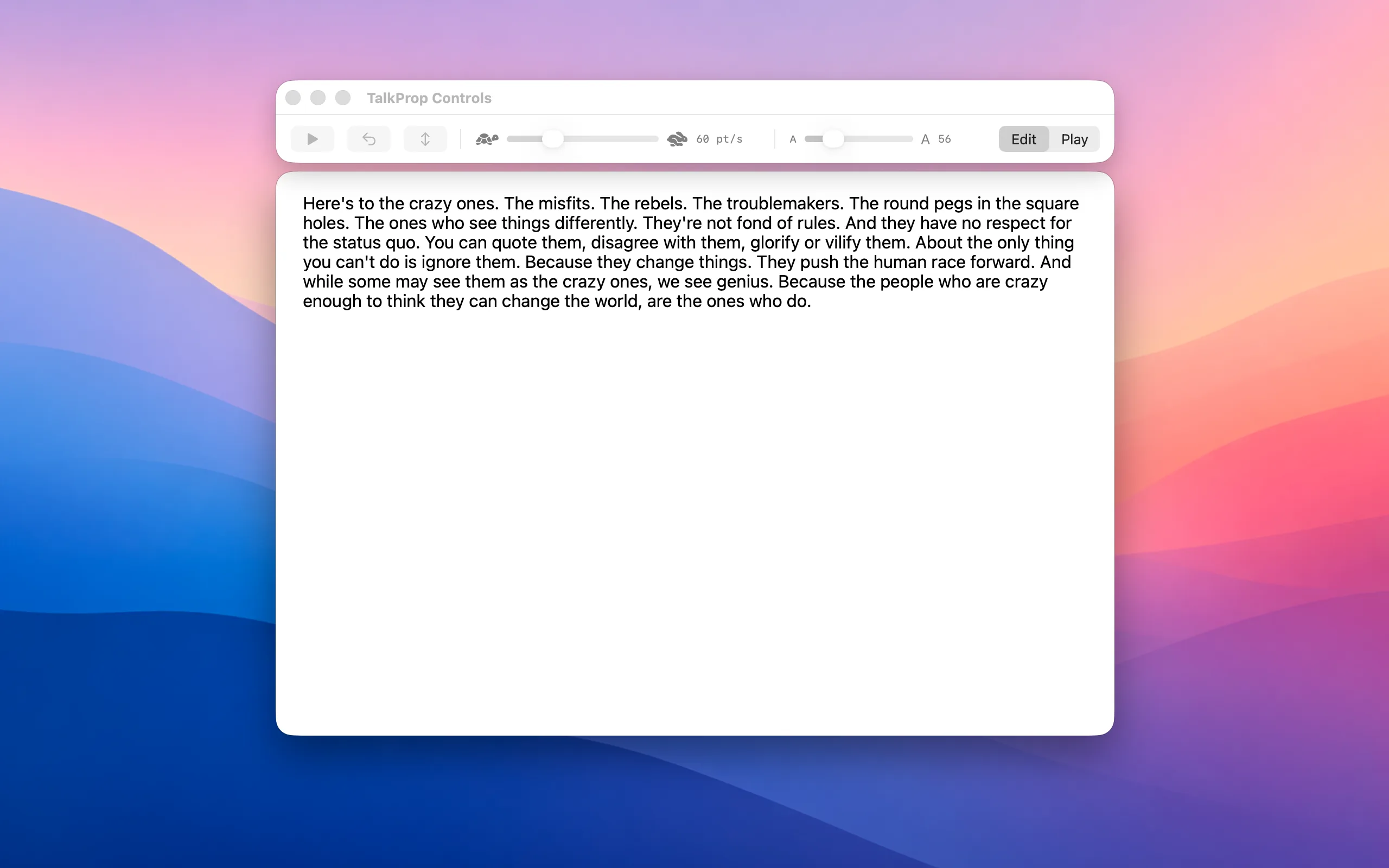
- Edit and play live in the same place. Type your script, hit Play, watch it roll. No separate import dialog, no preview window.
- Keyboard everywhere. Space to play and pause, Esc to rewind, ⌘O to flip orientation, ⌘E to swap edit and play, ⌘+ and ⌘- for size.
- Stays out of the way of the rest of macOS. Both windows live in the regular window menu — close one, summon it back. Put the prompter on an external display, leave the controls on your laptop.
Screenshots
On iPhone and iPad
The same prompter, in your hands.
TalkProp is a native iPhone and iPad app too, with the same scroll-and-scrub rolling text and the same one-line ticker. Drag anywhere on the rolling text to scrub — push up to fast-forward, pull down to rewind — and lift off to resume at your set speed.
And it's the same App Store purchase — buy it once, it's on all three.


Get TalkProp
On the App Store for Mac, iPhone, and iPad — one purchase covers all three. Or a notarized direct download for the Mac, with a free trial. Buying more than one app? TalkProp is included in my bundles, along with over twenty other apps. Also available on Setapp.
Support
Questions, bug reports, or feature requests? Email ben.dansby@gmail.com and you’ll get a reply, usually within a day or two.
For privacy questions, see the privacy policy.