
Record your Mac's sound.
ListenUp records whatever's playing on your Mac — system audio, not the microphone. Grab a clip from a call, a stream, a game, anything making sound, then trim it on a waveform before saving.
Or pick it up in a bundle with over twenty other apps.
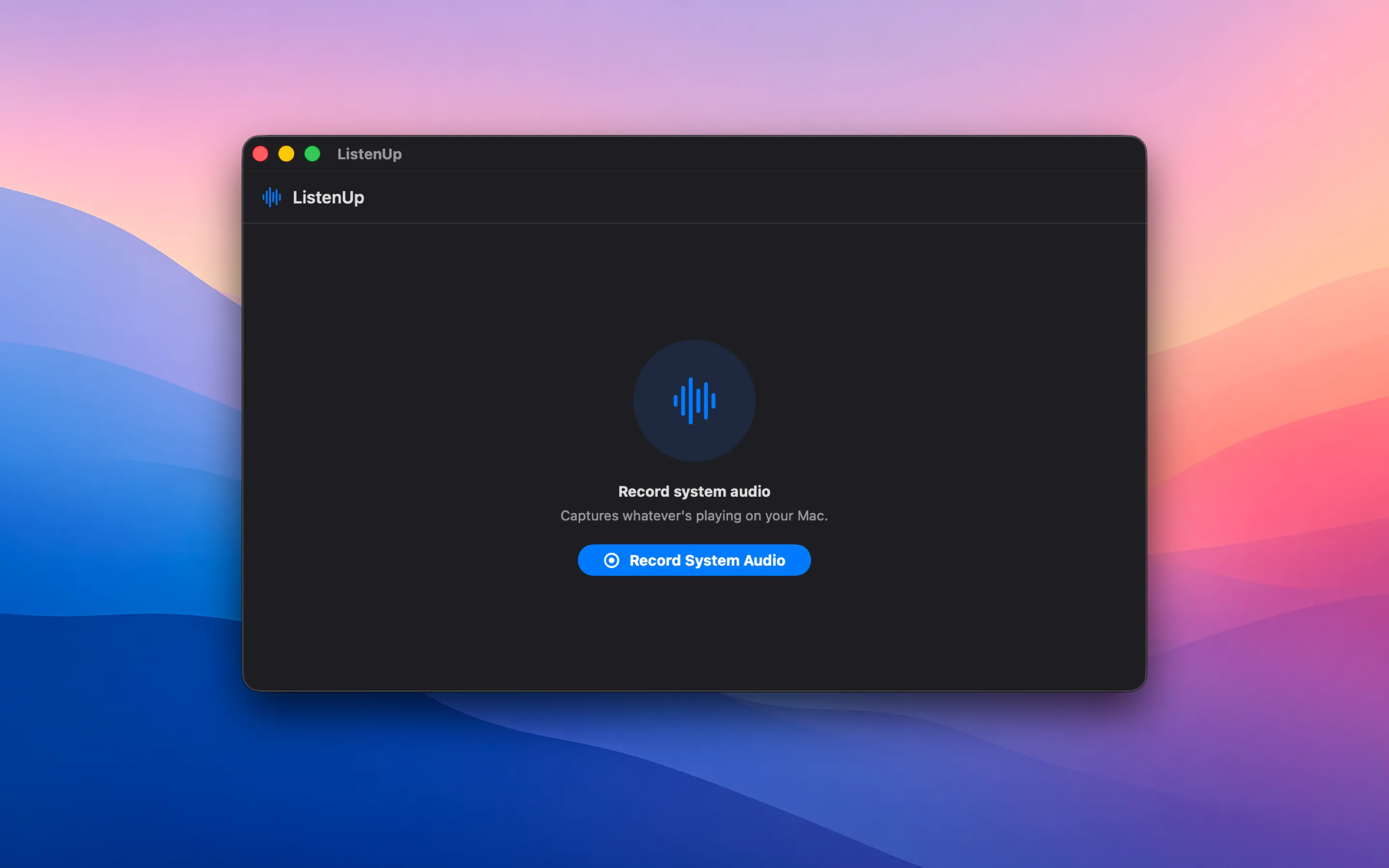
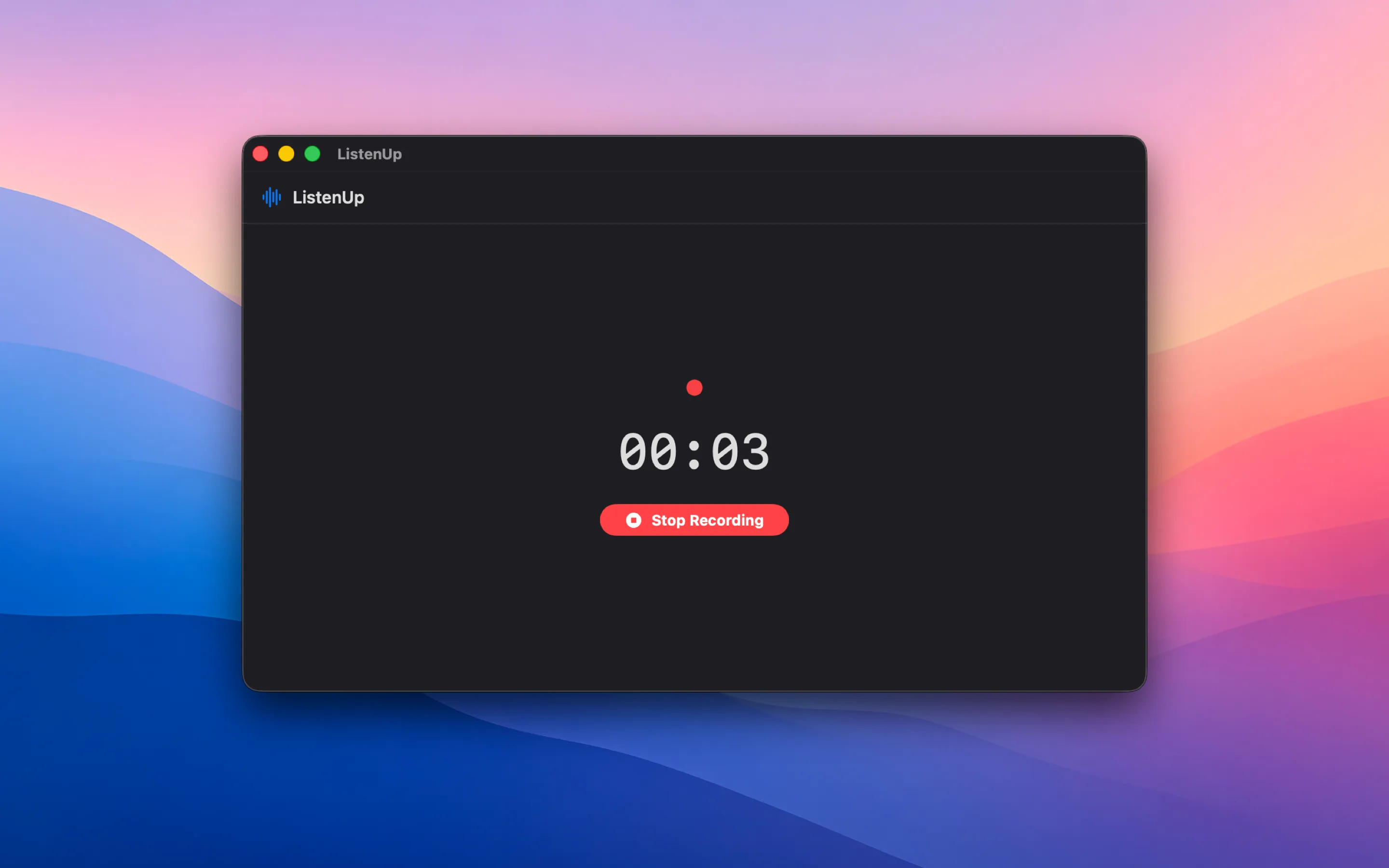
Record system audio
One click captures whatever's making sound on your Mac — a video call, a stream, a game, a browser tab. Not the microphone.
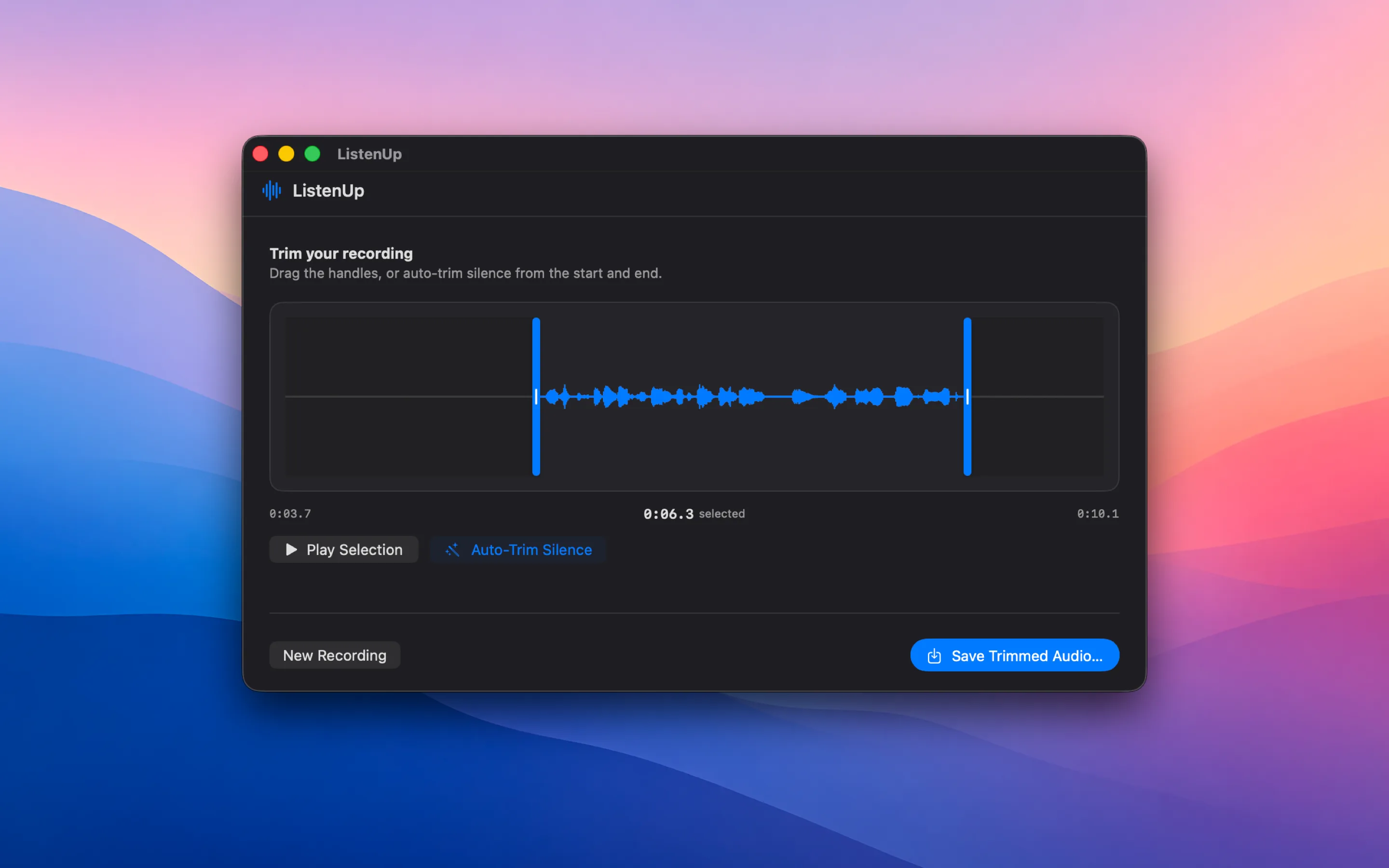
Trim on a waveform
See the whole recording as a waveform and drag the two handles to pick exactly the part you want. Play the selection back before you commit.
Auto-trim silence
One click finds where the real audio actually starts and ends, and snaps the handles there — no more dragging past dead air by hand.
Screenshots
Get ListenUp
Available direct or on the store. Requires macOS 13 or later. Buying more than one app? ListenUp is included in my bundles, along with over twenty other apps.
Support
Questions or bug reports? Email ben.dansby@gmail.com and you’ll get a reply, usually within a day or two.
For privacy questions, see the privacy policy.